
How to Secure Your Smart Devices from Hackers
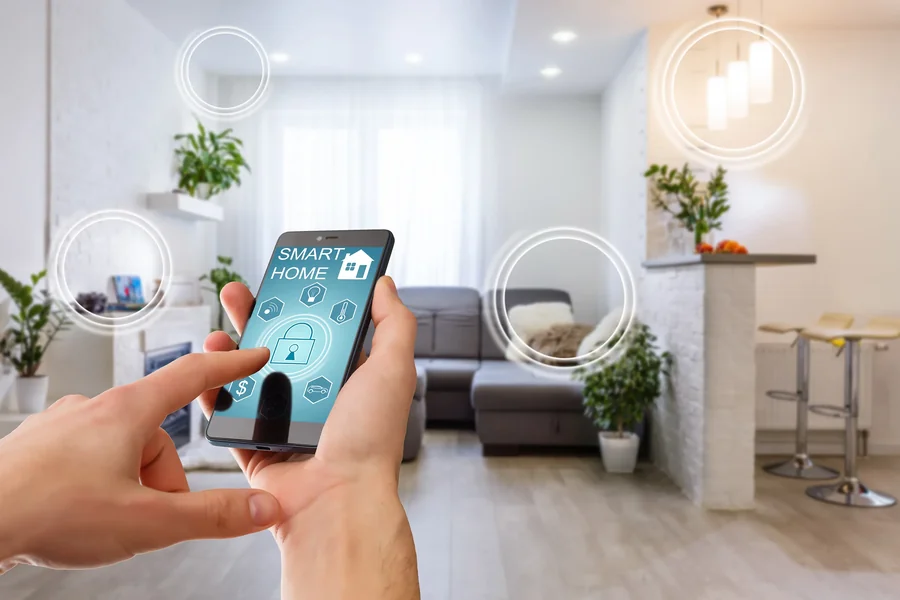
In today’s connected world, smart devices—from thermostats and security cameras to smart speakers and wearable technology—have become integral to our daily lives. While these gadgets offer unparalleled convenience and functionality, they also introduce new security risks. Hackers increasingly target smart devices as entry points to breach personal data, invade privacy, or disrupt home and business systems.
This comprehensive article provides practical advice and best practices on how to secure your smart devices from hackers, helping you protect your digital life.
Understanding the Risks of Smart Devices
Smart devices connect to the internet and often communicate with each other, creating complex networks that hackers can exploit. Common security risks include:
- Unauthorized Access: Weak passwords or outdated firmware can let attackers control devices.
- Data Theft: Sensitive personal data, including audio, video, and usage patterns, can be intercepted.
- Botnets: Compromised devices may be recruited into botnets used for large-scale cyberattacks.
- Privacy Invasion: Hackers can eavesdrop through smart cameras and microphones.
- Network Breaches: Infected devices can serve as gateways to infiltrate wider home or corporate networks.
Recognizing these risks is the first step in building a strong defense.
Best Practices to Secure Your Smart Devices
1. Change Default Passwords Immediately
Many devices come with manufacturer-default passwords, which are widely known and easily exploited.
- Set strong, unique passwords for each device.
- Use a password manager to handle multiple complex passwords.
2. Enable Multi-Factor Authentication (MFA)
If your device or its associated app supports MFA, enable it to add an extra verification layer.
This reduces the risk even if passwords are compromised.
3. Keep Firmware and Software Updated
Manufacturers regularly release updates to patch vulnerabilities.
- Enable automatic updates when possible.
- Regularly check for and install updates manually if needed.
4. Secure Your Home Network
- Change default router credentials.
- Use strong encryption protocols like WPA3 for Wi-Fi.
- Set up a separate guest network for visitors and IoT devices.
- Disable unused features such as remote administration.
5. Disable Unnecessary Features
Turn off features you do not use, such as voice activation or remote access, to reduce attack surfaces.
6. Review Device Permissions and Settings
- Limit app permissions to only what is necessary.
- Regularly audit privacy and security settings.
- Turn off location tracking if not required.
7. Use Network Segmentation
Segment smart devices on separate networks or VLANs to contain breaches and prevent lateral movement by attackers.
8. Install and Maintain Security Software
Use reputable antivirus and anti-malware solutions on devices and networks where applicable.
9. Monitor Device Activity
- Regularly review logs or notifications for unusual activity.
- Use network monitoring tools to detect anomalies.
10. Purchase Devices from Trusted Brands
Research and choose devices with strong security reputations and transparent update policies.
Avoid cheap, no-name products with poor security track records.
Specific Tips for Common Smart Devices
Smart Speakers and Voice Assistants
- Regularly delete voice recordings.
- Disable features like voice purchasing if not needed.
- Use wake words cautiously and review voice history.
Smart Cameras and Doorbells
- Use strong encryption for video streams.
- Change default ports and avoid UPnP if possible.
- Restrict camera access to trusted users.
Smart Thermostats and Appliances
- Change default passwords and secure mobile apps.
- Update firmware promptly to patch vulnerabilities.
Wearable Devices
- Secure pairing with smartphones.
- Limit sharing of health and location data.
- Keep software updated.
What to Do If You Suspect Your Device Is Hacked
- Immediately disconnect the device from your network.
- Change all related passwords and enable MFA.
- Update firmware and reset the device to factory settings.
- Monitor your network for further suspicious activity.
- Contact the device manufacturer for support.
- Report serious breaches to authorities if personal data is compromised.
The Future of Smart Device Security
- AI-Driven Threat Detection: Automated systems to identify and respond to attacks in real-time.
- Improved Standards and Regulations: Emerging industry standards will enforce stronger security protocols.
- Hardware-Based Security: Built-in protections at the chip level.
- User Education: Increasing awareness campaigns to promote safer usage habits.
Securing your smart devices from hackers requires vigilance, informed choices, and proactive measures. By following these best practices, you can enjoy the convenience of connected technology without compromising your privacy and security.