
Running a Minecraft or Valheim Server on a VPS for Smooth Community Gameplay
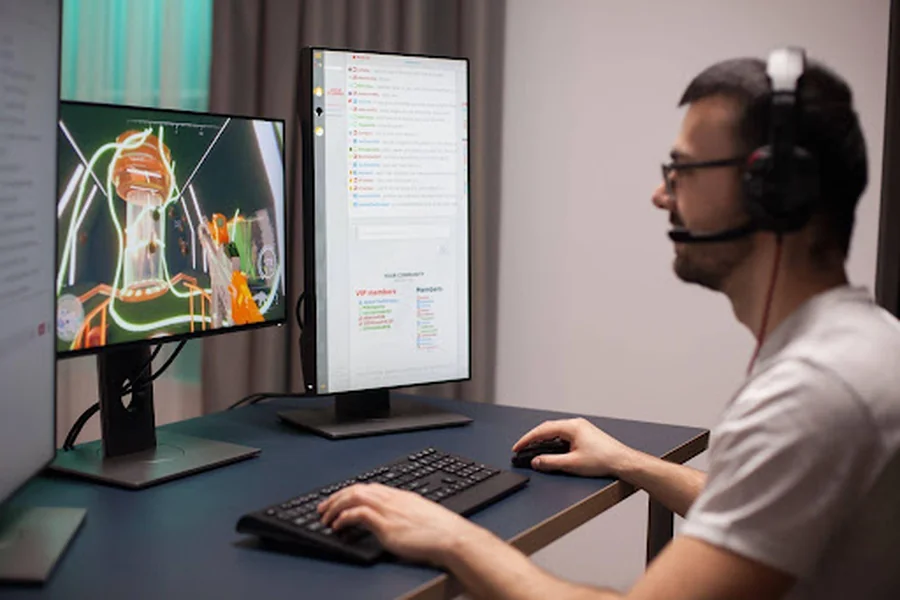
Friday night. Eight friends log in, the sun sets in your Valheim world and then it happens: the lag spike. Boats freeze, arrows vanish and someone types “bro, rubber-banding again.” Your home PC is wheezing, your Wi-Fi is crying and your community is one bad session away from drifting to another server.
Sound familiar? Hosting from your own computer works for a weekend, not for a real community. A VPS changes the game. It runs 24/7, stays online when you close your laptop and gives your players a stable home.
In this guide, you’ll see why a Minecraft server VPS beats home hosting, what specs you need, how to set up and how to keep everyone lag-free.
Let us get into it:
Why Home Hosting Fails Your Community and Why a VPS Wins
A VPS keeps your world online 24/7, so your friends never wait for you to wake up your PC. Home hosting feels free, but it has a catch. Your upload speed decides how smooth everyone’s game feels.
Curious why? Check out what actually limits speed on a residential connection. A VPS skips that headache.
Quick look:
| Factor | Home PC | VPS |
| Uptime | Only when your PC is on | 24/7 |
| Upload speed | Limited by your ISP | Stable data-center line |
| Performance | Shared with your own games | Dedicated resources |
| Player access | Needs port forwarding | Public IP, easy to join |
Minecraft vs Valheim: What Specs Do You Actually Need?
Short answer: It depends on your game, your player count and your mods.
| Game | Players | RAM | CPU |
| Minecraft (vanilla) | 5-10 | 3-4 GB | 2 cores |
| Minecraft (modded) | 5-15 | 6-8 GB+ | 3-4 cores |
| Valheim | 5-10 | 4 GB | 2 cores |
| Valheim (big crew) | 10+ | 6 GB+ | 3-4 cores |
Treat these as a starting point. Valheim needs fewer resources than heavy Minecraft mods, but big worlds and lots of builders add up fast. Give yourself some breathing room.
How to Set Up a Minecraft Server VPS in 6 Simple Steps
Good news: you don’t need to be a tech wizard. Follow these steps and you’ll be live in no time.
- Pick a plan with enough RAM and CPU.
- Choose Linux or Windows, whichever you’re comfy with.
- Install Java for Minecraft or SteamCMD for Valheim.
- Download your server files.
- Open your game ports in the firewall.
- Start the server and send your friends the IP.
Not sure which Linux to pick? Ubuntu is a friendly place to start. Pro tip: Start the server once, then stop it and tweak the settings file before you invite everyone. Boom. Your world is online.
Lag-Killing Tweaks Every Community Admin Should Know
Lag ruins the vibe fast. These quick wins keep your server smooth:
- View distance: Lower it a bit to save CPU
- Mods and plugins: Remove the ones nobody uses
- Restarts: Schedule a daily restart in a quiet hour
- Backups: Save your world often; you’ll thank yourself
- Monitoring: Watch your RAM and CPU every week
Small tweaks, big difference. Your players will notice the smoother gameplay right away. Still lagging? A flood of fake traffic could be the cause, so look at CISA’s guide to responding to DDoS attacks to spot the signs.
Location, Ping and IP: Where You Host Matters
Ping is how fast your game talks to the server. Lower is better. So pick a server region close to most of your players.
Want a home-style connection with VPS power? A residential VPS is worth a look. Also, share the IP with your players early so they can save it. Test the ping from a few friends’ locations before you go public.
Keep Your Community Safe: Security and Backup Basics
Open servers attract trouble. Lock yours down early:
- Whitelist: Only let trusted players join
- Strong passwords: Use them for admin and RCON access
- Firewall: Open only the ports you need
- Backups: Automate them and keep a copy off the server
Do this once and you can enjoy the game worry-free. Stay safe, stay playing.
Level Up Your Community: Your Smooth Server Starts Today
Great communities are built on one thing: a server that’s always there. When you run a Minecraft server VPS, you stop worrying about lag, crashes and “is the host online?” messages. You pick the specs, you control the settings and your players just log in and play.
Start small, watch your RAM and CPU, back up your world often and scale up as your crew grows. Whether you’re building castles in Minecraft or sailing into the unknown in Valheim, a stable server keeps the fun going and the friends coming back.
So skip the home PC stress and give your community the upgrade it deserves. Ready to host like a pro? Choose DashRDP and turn your next game night into the smoothest one yet.
FAQs
1. How much RAM do I need for a Minecraft server on a VPS?
For a small vanilla group, 3-4 GB works well. Modded servers usually need 6-8 GB or more.
2. Can I run both Minecraft and Valheim on one VPS?
Yes, if your VPS has enough RAM and CPU for both. Just run them on different ports.
3. Is a VPS better than home hosting?
For communities, yes. You get 24/7 uptime, steady speed and no need to keep your PC running.
4. How many players can a VPS handle?
It depends on your plan, game and mods. Start with your friend group and scale up as you grow.
5. Do I need Linux skills to run a game server?
Not really. Basic commands help and Windows VPS options exist if you prefer a familiar screen.