
How to Add Sunglasses to a Photo Without Photoshop: Best Free Tools
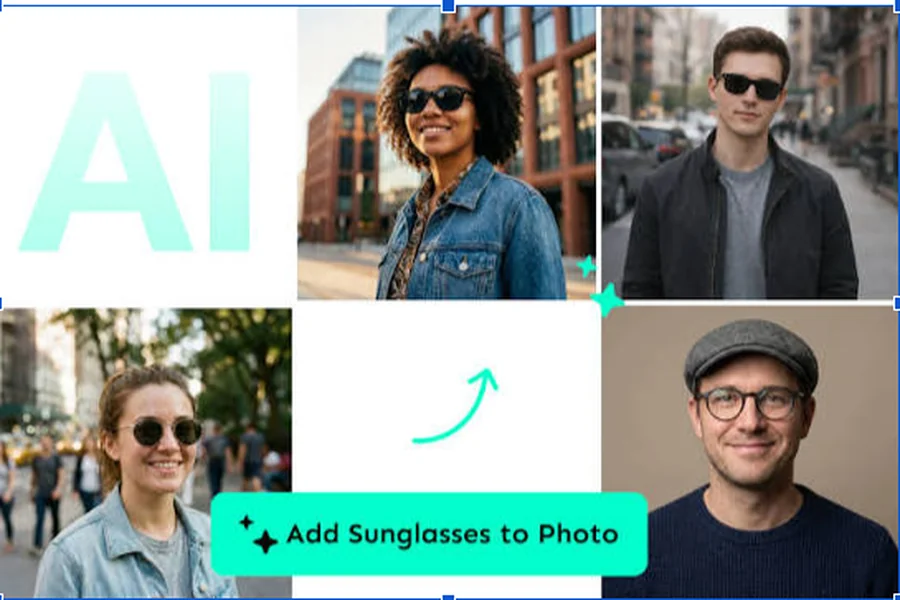
The use of sunglasses in a portrait shoot doesn’t need any of the high-end editing software and the knowledge of a well trained designer anymore. When it comes to adding sunglasses to a photo without Photoshop, the options are surprisingly easy with today’s AI-powered photo editors and free online tools. In the last decade of developing and editing digital content, I have witnessed photo editing go from layer masking to one click photo AI enhancements. The list of tools below provides results that are realistic, easy to use, and can be used in your browser or on your smartphone.
How to Add Sunglasses to a Photo Using Free AI Editors
AI photo editors are the simplest tool to learn how to add sunglasses to a photo. The platforms are able to automatically identify the characteristics of the face, which allows sunglasses to be placed naturally over the eyes without manual adjustments.
With the majority of free editors, an image can be uploaded, picked from a variety of styles of sunglasses, resized and then saved in a matter of minutes. Some AI tools even automatically adjust lighting, shadows, and angles, resulting in a much more realistic look than traditional sticker overlays.
For those seeking up-to-date AI editing solutions, you can also try an AI sunglasses photo editor that automatically detects and identifies the faces and automatically places them in a realistic manner, resulting in edits that look more natural even if you don’t know how to use Photoshop.
Best Free Tools to Add Sunglasses to a Photo
1. Canva
Canva’s drag-and-drop editor has thousands of graphics, such as sunglasses stickers and PNG graphics that are transparent. It’s free software that’s great for beginners, designing images for social media or profile pictures.
2. Pixlr
Pixlr has AI-powered editing features that operate 100% online. Users can import transparent sunglasses PNG images and alter their opacity, rotation and perspective to get more realistic results.
3. Fotor
Fotor’s beauty AI editing tools and manual object placement features. It offers fast editing options, filters and enhancement tools to enhance the final image following the addition of sunglasses.
4. Photopea
A free Photoshop alternative that supports PSD files, layers and advanced editing, without software installation, Photopea is often hailed as the best free Photoshop alternative. It’s a good option for those who prefer having more creative control.
5. Adobe Express
Adobe Express is a free photo editing tool, graphics overlays and templates, which can help you to make professional images with stylish sunglasses effects.
How to Add Sunglasses to a Photo on Mobile Devices
When editing on a smartphone, it’s even simpler to add sun glasses to a photo. The mobile versions of apps like Canva, PicsArt and Fotor have dedicated libraries of stickers and AI editing tools that are optimized for touch screens.
Personal experience shows that mobile editors have made great strides in the past few years. I find myself frequently using Canva on my phone for quick edits as it only takes a few taps to resize and align sunglasses. The AI face detection feature also reduces manual edits, thus saving valuable editing time.
Tips for Making Sunglasses Look Realistic
Simply placing sunglasses over a face isn’t enough. The proper positioning, scale & lighting is the key to realistic editing. Select sunglasses that are level with the wearer’s face, if needed, make them a bit transparent, and apply a soft shadow if possible.
Most AI editors can fix head tilt and facial proportions automatically, but it’s always best to check for alignment manually. Fine details give the image a more realistic feel and seem as though it has been captured in nature rather than altered.
Why Free Online Editors Are Better Than Photoshop for Beginners
Photoshop can be a daunting program to master for many users, especially with the various layers, masks and selection tools. The software that offers free online editing overcomes those hurdles by making editing a breeze with AI-powered automation and easy-to-use interfaces.
Cloud-based editors also eliminate installation needs, operate on numerous devices and continuously update features without extra downloads. They are a handy tool for students, content creators, marketers, and casual users who occasionally require some photo editing.
Final Thoughts
In the era of AI-powered photo editing tools, adding sunglasses to a photo has become a breeze. From the ease of use of Canva to the flexibility of Pixlr, the advanced editing of Photopea, or the AI enhancements of Fotor, there are options available that are accessible to anyone without the need of Photoshop. The secret is to find the one that suits your level of experience considering alignment, lighting and realism.
I’ve tried lots of different editing platforms over the years, and now free AI editors can accomplish what used to be reserved for the professionals. They typically provide a great combination of speed, quality and convenience for most users without the expense or complexity of Photoshop.