
How to Fax a PDF Online Without a Real Fax Machine or Phone Line
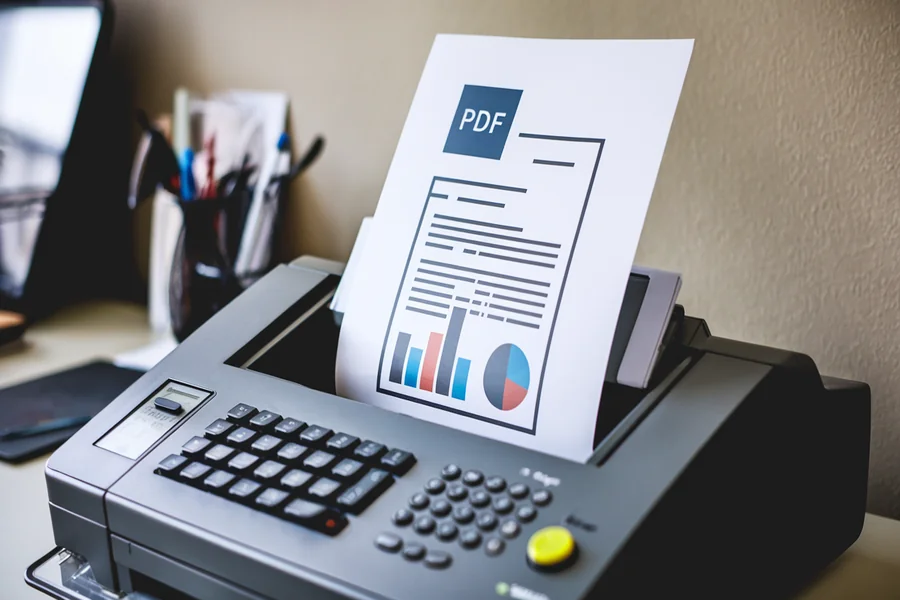
Faxing still appears in medical, legal, financial, and government workflows, even after many offices retire dedicated machines. A PDF suits these exchanges because it protects layout, signatures, page order, and scanned evidence. Online sending gives staff a practical route through a browser, without toner, paper jams, retail service counters, or a separate phone line. Careful preparation still matters because a small entry error can send private records astray.
Why Online Faxing Helps
Clinics, insurers, banks, courts, and agencies may still request documents by transmission rather than portal upload. A browser-based method to fax a PDF online keeps the file intact, captures recipient details, sends pages in order, and returns a status notice that can support our internal record trail.
What Is Needed First
A sender needs the completed PDF, recipient number, working email address, and cover sheet details. Before uploading, the file deserves a close review. Names, dates, account numbers, signatures, and attachments should match the request. If the material began as Word, Excel, an image, or a scan, it should be saved as a PDF before submission.
Prepare the PDF
The document should look legible, complete, and ready for outside review. Pages need correct order, clean margins, and no missing exhibits. Scans should be checked for skewed images, shadows, or faint handwriting. If a form requires consent or authorization, the signed copy should be final. Smaller files often upload faster and fail less often.
Open the Fax Tool
The sender opens the online sending page in a browser and then selects the PDF from a device or cloud folder. Many tools accept drag-and-drop upload. Once loaded, the page may show a preview. That view is worth checking because it confirms the correct version before sensitive material leaves organizational control.
Enter Recipient Details
Recipient numbers require slow, careful entry. One wrong digit can route confidential pages to an unintended office. The sender should include any country code, area code, or extension instructions requested by the receiving party. Cover sheet fields may ask for the recipient name, sender name, subject, and message. Short notes reduce confusion.
Review Before Sending
A final check should occur before submission. The sender should verify the preview, page count, destination number, and cover sheet wording. If the service displays pricing, limits, or account terms, you should read those details before approval. This brief pause helps prevent misdirected records and supports a cleaner audit trail.
Track the Status
Online services may show stages such as preparing, dialing, transmitting, and completing. The browser window should remain open until confirmation appears, unless the service states otherwise. Some platforms also send an email receipt after delivery. That message belongs with the related file, claim, invoice, client matter, or administrative request.
Keep Records Organized
Receipts provide useful evidence. They may show date, time, recipient number, page count, and delivery result. Teams should store confirmations near source documents, using a consistent naming format. A practical label can include the client name, document type, and send date. Clear filing reduces later searches if a recipient requests proof.
Common Mistakes
Frequent errors include sending a draft, entering an incorrect number, omitting a required page, or closing the status window too early. Oversized scans can fail during upload or transmission. Poor image quality creates another problem. If the text looks faint on the screen, the receiving office may struggle to read the transmitted copy.
Privacy Basics
Faxed paperwork often contains personal, medical, legal, or financial information. The sender should use a trusted connection, avoid shared public computers, and sign out after completion. Temporary downloads should be removed once they are no longer needed. Access should remain limited to people with a legitimate service, legal, or business reason.
When Fax Still Makes Sense
Fax remains useful where recipients require it, formal delivery records matter, or older intake systems still depend on assigned numbers. Some regulated offices keep this channel for certain exchanges. Online sending meets that requirement while removing hardware upkeep, toner costs, paper trays, busy signals at shared devices, and trips to a print shop.
Conclusion
Sending a PDF by fax no longer depends on a physical machine or dedicated phone line. The work is mostly careful preparation, accurate entry, document review, monitored transmission, and disciplined recordkeeping. A clean PDF, correct destination number, and saved confirmation give teams a reliable process for required exchanges. For organizations that still receive these requests, online sending keeps the task controlled, efficient, and easier to document.