
Meshy: Turning Ideas, Images, and Concepts Into 3D Models With AI
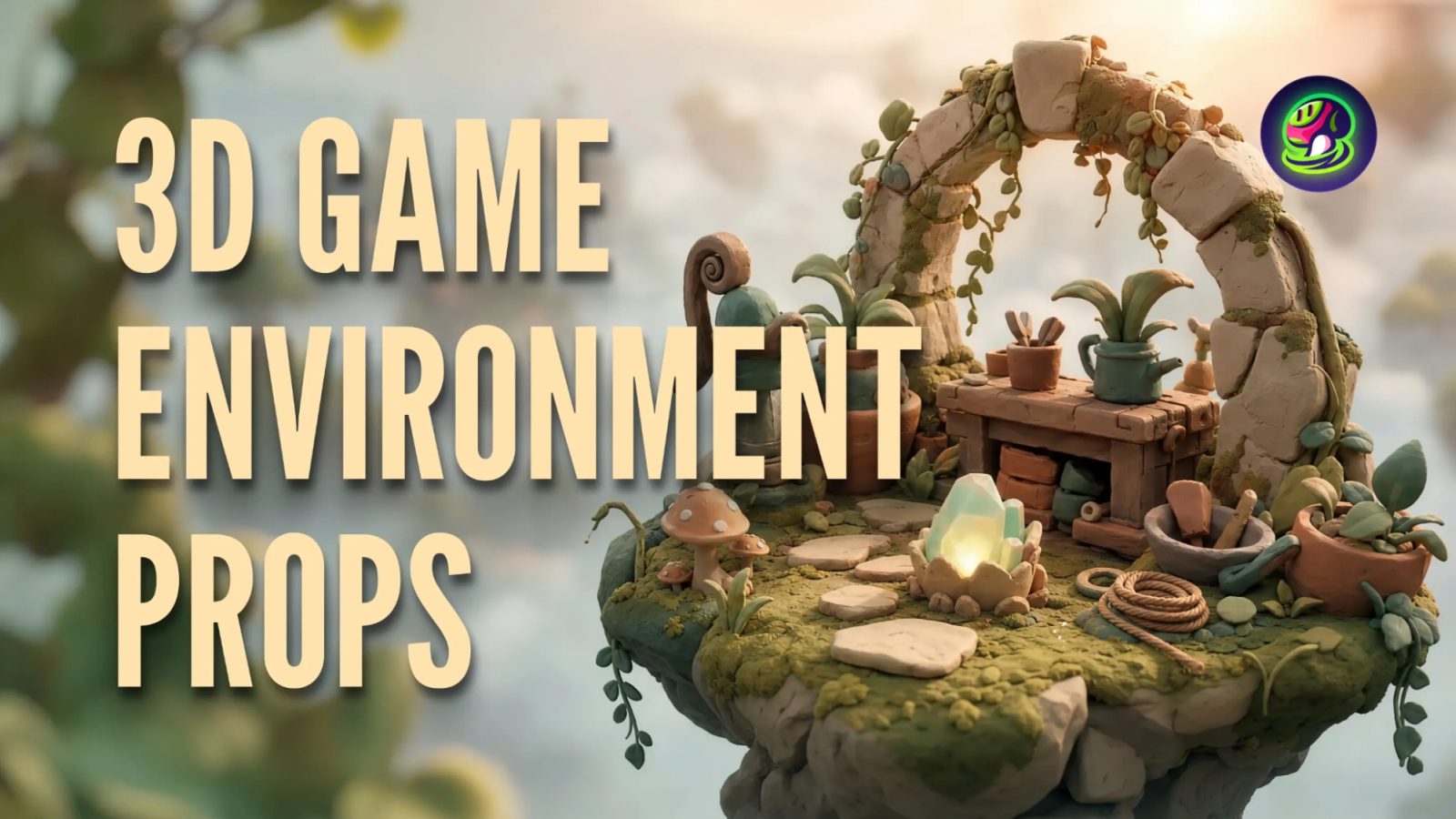
Creating a useful 3D asset can begin with something as simple as a sentence or a photograph. Rather than launching a standard modeling application and creating geometry by hand, designers can now have an idea and have AI take care of much of the rough draft. Meshy is among the top AI 3D model generators, which provide creators with a web-based solution to turn text and images into 3D assets to use in games, design projects, visualization, and 3D printing.
To a researcher studying a product photo to 3D converter, Meshy provides a convenient point of departure since Image to 3D workflow is capable of transforming a photo or sketch image or concept image into a textured 3D model. The users are also able to present several images of an object to present the AI with more visual data in case one picture does not provide enough detail.
What Is Meshy?
Meshy is an AI-driven 3D creation engine that is meant to reduce the gap between a concept and a digital object that can be used in practice. Unlike having to model all objects manually initially, the service allows users to define an object by text or by giving visual references.
Its basic modes are Text to 3D and Image to 3D. The text workflow comes in handy with the knowledge of what the object that is desired to look like should be like but the creator lacks the image. Image workflow is more appropriate when an image (photograph, drawing, product idea, or concept art piece) already exists.
The site is entirely web-based, and not all users have to install traditional 3D modeling software only to experiment with AI-generated assets. This allows Meshy to be used by individuals with little to no prior experience in 3D modeling.
How Meshy's AI 3D Workflow Works
It is possible to divide the process into several simple steps.
1. Begin With text or an Image.
An artist can start by describing an object in detail. An example is a user could explain a futuristic delivery robot that has rounded panels, two wheels, a small display on the front, and a clean industrial design.
The description can be interpreted by Meshy and a 3D model can be generated according to the desired features.
Alternatively, an already existing image can be uploaded. It can be especially helpful to designers who create concept art or individuals who need to convert a real-world object into a digital one.
2. Use Multiple Images for Better Visual Information
Not every picture of a photograph is capable of making out the form of an object in all directions. This is addressed by the multi-image workflow provided by Meshy that lets the user have multiple images of the same object at various angles.
To illustrate, consider a designer who has a photograph of a small ceramic figurine of front, side, rear and three-quarter angle. Instead of using a single photograph, the creator can present such views to the AI to get a better understanding of the structure of the object.
This technique is particularly handy with products, characters, collectibles, furniture, and other objects where form and proportions are significant.
3. Create and Refresh the Model
After input has been entered, Meshy generates the 3D asset. The model derived can subsequently be checked and improved as opposed to being regarded as a permanent outcome that cannot be modified.
This helps in this workflow being useful in early development stages. A game designer may come up with a number of character ideas, and then select any one. A product designer may make a crude computer representation of an object, then transition to finer production.
AI Texturing Adds Another Layer
Creation of geometry is just a component of the 3D process. A model can be of the appropriate overall shape and yet appear incomplete without appropriate materials and textures.
Meshy also features AI texturing, which enables users to provide visual detailing to models through AI-aided texture generation. This may assist in changing a simple generated mesh into an asset that has a more refined visual look.
Artists can also test out various finishes and surface finishes without having to physically make each texture by hand. As an illustration, the same simple object may be investigated as painted plastic, weathered metal, polished stone, or any other style of materials.
Useful Features Beyond Basic Model Generation
Meshy is not only attractive when it comes to transforming a prompt into a mesh. Its expanded toolkit encompasses various steps of the creativity process.
AI Image Generation
Artists are able to create concept imagery and transform the concept into a 3D asset. Image generation with AI is thus able to be incorporated into a workflow beginning with visual exploration and working towards a 3D creation.
Auto-Rigging
Rigging can also be assisted by AI to the character creators. It comes in handy when a character generated must move within a game or animation project and not just be a fixed model.
Browser-Based 3D Tools
There is also a set of free browser-based tools at Meshy. It has a free suite of tools, including a 3D File Converter, Online 3D Viewer, and STL Repair.
This implies that users are able to directly carry out some basic supporting tasks in their browser without having to install other applications.
Developer API Access
Meshy allows developers to access the generation features of Meshy and combine them with their custom applications and workflows via API. This is able to sustain automated asset creation and other workflows.
In case there are teams that often generate assets, API access is more beneficial compared to opening the web interface by hand each time a generation is created.
Exporting Models for Different Projects
One of the key factors to consider with any AI 3D tool would be the post-generation. This is much more helpful when a model can be deployed into the software or workflow where it is actually required.
Meshy is compatible with a wide variety of export formats, such as STL, OBJ, GLB, FBX, GLTF, USDZ, and 3MF. The right format will be based on the purpose.
To illustrate, FBX may be applicable to the game-development process, whereas STL and 3MF are typically related to 3D printing. GLB and GLTF are suitable for web and real-time 3D applications.
This enhances a wide range of exports that allow creators to have greater freedom once the AI generation phase is finished.
Useful Ideas of how to use Meshy
Game Development
During development, game teams can use AI-generated assets to investigate characters, props, and environmental objects among other concepts. A team can create crude versions of their ideas and come up with the ones that should be refined instead of using production time to model all the experimental ideas.
3D Printing
Also useful to makers is meshy, which allows converting an idea or image into a printable object. Once it has been generated and inspected, it is possible to export the model in a format suitable for further processing in a slicer e.g. STL, 3MF.
It is capable of simplifying efforts of creators who desire to experiment with physical prototypes or even custom objects early in the process.
Product Visualization
Image to 3D could be applied by a product designer to produce an initial digital representation of the product imagery. This still does not eliminate the necessity of a professional check where precise dimensions are vital, but can faster visualize early.
In the case of a business with multiple concepts of a product, AI generated models can be used to communicate the ideas prior to detailed production modeling.
Concept and Design Exploration
Before artists and designers settle on a direction, they can come up with multiple alternatives of an idea. This is among the practical AI 3D generation applications since experimentation is no longer that reliant on re-creating all variations by hand.
A Simple Meshy Workflow for Beginners
To a first-time user of Meshy, the following will help in bringing the process to manageable levels:
1. Choose Text to 3D or Image to 3D.
2. Enter a certain prompt or post a well-defined image.
3. Take as many views as possible when there are other angles.
4. Form an original model.
5. Check the geometry and general shape.
6. Texture AI adding more surface detail to the model as required.
7. Fine tune or process the model as needed.
8. Choose the export format.
9. Transfer to the desired game, design, web, or printing workflow the finished asset.
The significant aspect is to use the first generation as a baseline. Higher quality source images, more articulate descriptions, and refining it well may make the end result much different.
Is Meshy Free to Use?
Meshy has a free plan that enables beginners to explore the possibilities of its AI-generated 3D images before investing in a paid subscription. The platform also offers free browser-based tools, so that one can explore the workflow by using parts of the workflow without buying individual desktop software.
Paid plans offer some advanced features, such as access to developer API. It is also applicable to various types of users, including individuals who are experimenting with AI 3D in the first place and developers who are constructing more structured workflows.
The free edition is especially useful to novices as they will have the opportunity to learn how the generation process works before they can make a decision about whether they require other features.
Why Meshy Stands Out for AI 3D Creation
The key strength of Meshy is the manner in which multiple steps of the 3D workflow are integrated. An artist can begin with a text, transition to 3D, explore AI-generated textures, manipulate assets in browser-based tools, and save the output to use in a different application.
The combination of that makes it suitable for experimentation and practical production work. It can be used by beginners to learn how AI-generated 3D works, and experienced creators can use it to speed up the creation of concepts and repetitive asset-generation processes.
Another significant advantage is the presence of numerous export formats. Creators are not confined to a single workflow with an AI-generated asset, but can place it in a broader 3D landscape.
FAQs
What is Meshy able to create?
Meshy is capable of creating 3D models out of text and image. It also has an expanded feature set (AI texturing, image generation, auto-rigging, and developer API).
Is Meshy able to transform a photo into a three dimensional representation?
Yes. Image to 3D is a feature that can be used to create a photograph, sketch, or concept image in Meshy to create a 3D model. In case there are other views of the same object, multi-image input can be employed.
Is Meshy software dependent?
No. The Meshy experience of core generation is a browser experience, meaning users are not required to install the traditional 3D modeling software to start creating models.
Which file formats are supported by Meshy?
Meshy accepts formats such as STL, OBJ, GLB, FBX, GLTF, USDZ, and 3MF, providing game and web experience creators with choices of 3D printing, design processes, and design workflows.
Is it possible to integrate Meshy into an application by developers?
Yes. Meshy offers API access to developers interested in adding AI-driven 3D generation and other functionalities to their own applications and processes.
Final Thoughts
The 3D generation of AI is altering the way that artists do the initial phase of the modeling. They can start with a sentence, photograph, sketch or a set of reference images instead of starting with an empty viewport. Meshy takes these options into a browser-based workflow with texturing, rigging, image generation, processing tools and wide export support.
As a new user, the free option is an option to test the waters without immediately spending money on specialized software. To the designers, game developers, makers and technical developers, Text to 3D, Image to 3D, multi-image input, browser-based tools, a wide variety of export formats, and API access deliver a flexible framework to converting early ideas into practical 3D assets.
With AI-assisted modeling evolving, technologies like Meshy can enable 3D creation to be made more accessible and can also provide experienced creators with a new option to explore their ideas, test concepts, and speed up repetitive aspects of their workflow.