
How to Plan AI Product Videos Without Losing the Details
An AI product video should make an item easier to understand. If a bottle changes shape halfway through a clip or a presenter describes a feature the product does not have, an attractive opening shot cannot rescue the result. For a small business, the practical starting point is a short brief, an accurate reference image, and a review process that checks the product before judging the style.
The workflow below is a planning framework, not a claim that every generator can deliver every shot. Use it to decide what to generate, what to film, and which parts to assemble in an editor.
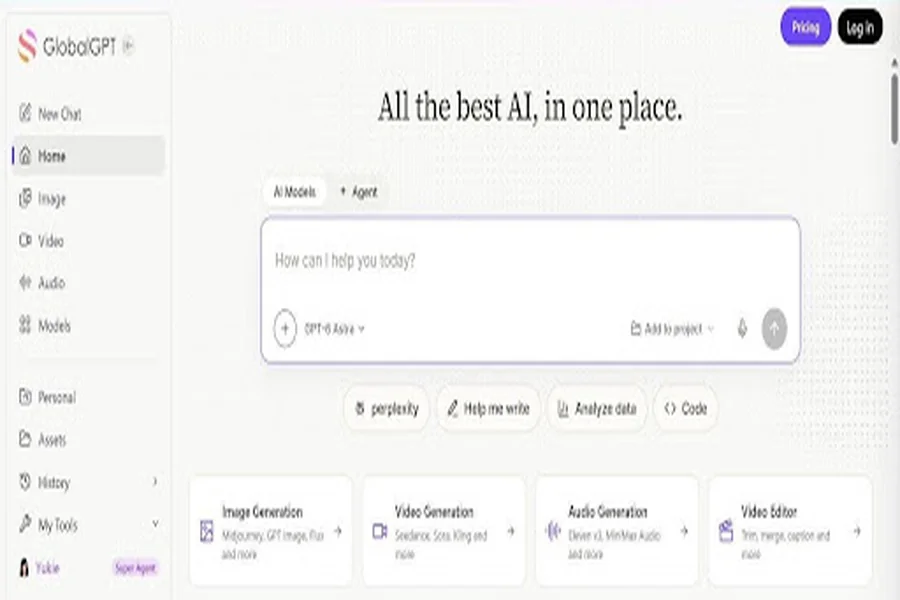
GlobalGPT brings chat and creative tools into one workspace. Interface example.
Choose one message for the video
Start with a sentence explaining what the viewer should learn. For example, a hypothetical desk-accessory brand might want to show how a stand folds flat for travel. That gives the video a specific job: show the open stand, demonstrate the fold, and show the packed result.
Avoid combining an introduction, a feature list, a customer testimonial, and a discount announcement into the same short clip. Each new message demands more footage and another claim to check. A single demonstration also makes it easier to decide whether the final video actually answers the viewer’s question.
Write the intended format into the brief. A vertical social video needs room for captions and interface overlays; a website product video may need a wider view. Check the intended publishing platform’s current specifications before generating the material.
Build a reference pack before writing prompts
Collect a clear image of the exact product, a close view of the label or controls, and a short list of details that must remain unchanged. Include its color, proportions, material, packaging, and the way a person would hold or operate it. Use images you own or have permission to use.
Separate the non-negotiable details from the creative choices. The product’s label is fixed; the background color may be flexible. Its physical size is fixed; the lighting can change. This distinction helps a reviewer identify a failed generation without rejecting every variation that looks different.
Keep an approved copy sheet alongside the visual references. It should contain the product name, verified features, and any offer language cleared for use. Leave unsupported performance promises out of the script. A generator should not become the source of product facts.
Turn the brief into a small shot list
Plan the sequence as individual shots rather than one complicated prompt. For the fictional folding stand, a workable outline would be:
1.Show the stand open on a clear desk, with the product fully visible.
2. Use real footage or a verified sequence to demonstrate the folding mechanism.
3. Show the folded stand beside a travel pouch to explain the use case.
4. Add the product name and a simple next step in the final edit.
This is a suggested storyboard, not a finished test. The difficult action is the fold, so it deserves a separate production decision. If a generated version changes the hinge or invents a moving part, replace that shot with accurate footage instead of lowering the acceptance standard.
Keep each prompt focused on one action, one composition, and one camera movement. Add instructions about the details that must stay stable. Save the prompt next to the result so a teammate can understand how the shot was produced.
Match the tool to the missing production step
Different jobs call for different controls. A presenter-led explainer needs convincing speech delivery and useful revision options. A product close-up depends on reference handling and visual consistency. An editor may be the most suitable place to add readable labels, captions, and a logo.
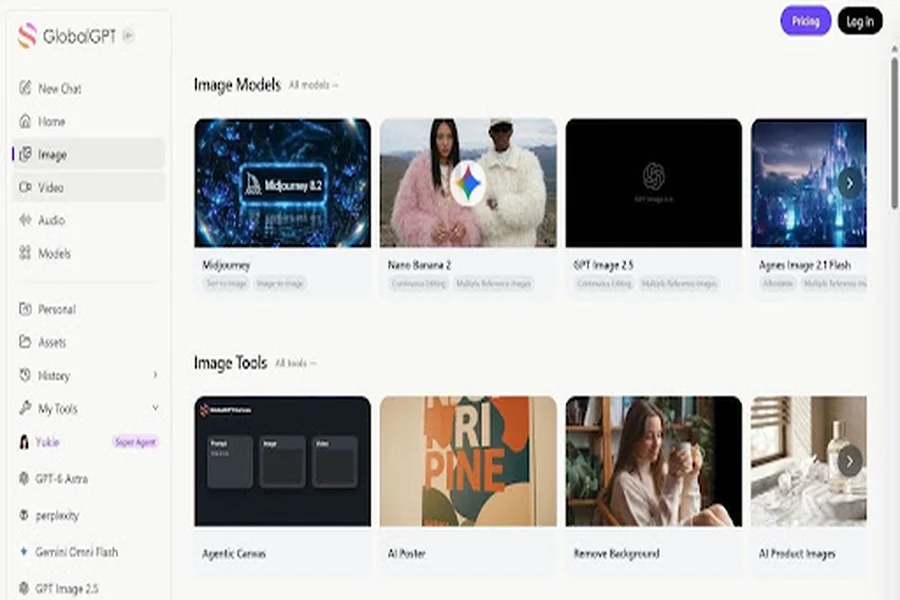
For teams exploring scripts and visual concepts across several models, GlobalGPT is one option to evaluate. Check the controls available for the specific model and plan you intend to use; access to several models does not mean their reference, duration, or export settings are identical.
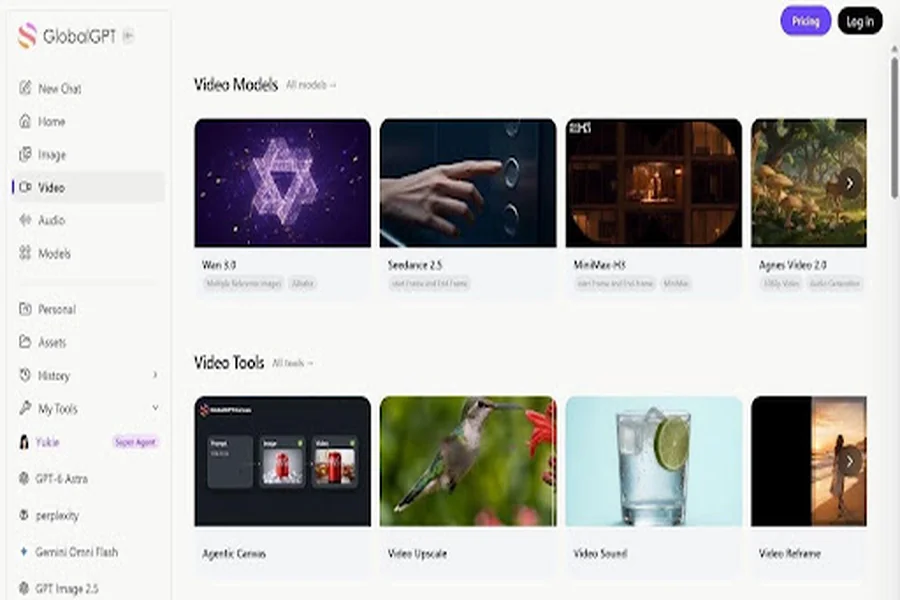
If the brief calls for creator-style advertising, compare the production options on the GlobalGPT platform against the controls your storyboard needs. Shortlist tools around the actual bottleneck, then try the same brief before committing to a larger workflow. An AI-generated presenter should not be framed as a real customer describing an experience they never had.
Review the product before the polish
Watch the first draft once at normal speed, then inspect the moments where the product moves or a hand crosses it. Compare those frames with the approved reference. Look for changing proportions, distorted lettering, disappearing buttons, and objects passing through fingers or surfaces.
Treat product accuracy as a pass-or-fail gate. A shot that looks polished but misrepresents the item needs revision or replacement. Once the product passes, review the voice, pacing, lighting, and transitions.
Watch again with the sound muted. The visual sequence should still communicate the main idea, and captions should remain readable on a phone. Then listen without watching: the script should make sense and agree with the approved copy sheet. These separate checks make different types of errors easier to notice.
Compare the cost of usable results
The relevant production cost includes rejected generations, editing time, and any extra work needed to correct a shot. Before paying for a longer commitment, check the current plan’s credits, export access, watermark rules, and commercial-use terms.
For an internal comparison, record how many attempts produce a usable shot and how much editing each option needs. Use the same brief and acceptance criteria across the tools. A lower advertised generation price is less useful if the output repeatedly fails the product check.
Save approved source images, prompts, clips, captions, and the final export together. Name the files by product and version so that a later price change or revised package does not require rebuilding the entire video.
A final check before publishing
Before release, confirm that the item shown matches the item being sold, every spoken claim is approved, the captions are accurate, and the destination page matches the offer. Check music and image permissions, plus the destination platform’s rules for synthetic media and advertising disclosures.
The aim is a repeatable production process: a clear brief, accurate references, manageable shots, and a review gate for each result. Start with one small video that passes those checks. Expand the format only when the team can reproduce it reliably.