
How Do You Protect Smartphone Battery Health?

Smartphone batteries quietly lose strength from the day you start using them. Each charge, every hot car ride, and all-night gaming sessions slowly reduce capacity. You cannot stop this aging process, but you can slow it down with smart daily habits. Good charging practices, cooler temperatures, and the right accessories help your battery stay healthier for longer. This means fewer sudden shutdowns, better screen‑on time, and a phone that feels fast for more years. By understanding what stresses a lithium‑ion battery and avoiding those triggers, you protect both performance and your wallet.
Follow Better Charging Habits
Keep the Battery Between Healthy Charge Levels
Lithium‑ion batteries last longest when they avoid extreme charge levels. Try to keep your phone between about 20% and 80% for daily use. You do not need to obsess over every percent, but aim to unplug before it sits at 100% for hours. Short, regular top‑ups are better than running the battery very low and then charging to full. Many users find a routine: a quick morning charge, then another short charge in the afternoon or evening. This habit reduces stress on battery chemistry and slows long‑term wear. When you really need full capacity, charge to 100% shortly before you leave.
Use Built-In Battery Protection Features
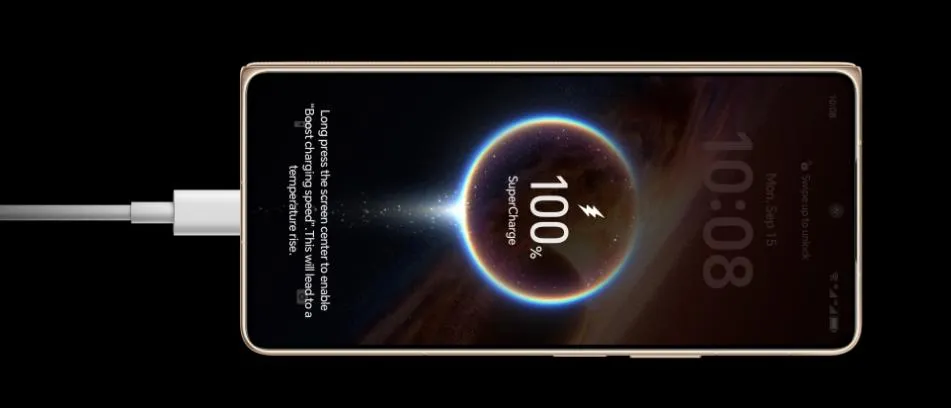
HONOR Magic V6 includes smart charging tools that help protect battery health. These features can learn your daily routine, pause charging around 80%, and finish charging shortly before you usually need your phone. Many phones also offer similar options under names like adaptive charging, battery care, or maximum charge limits. These tools reduce the time your phone stays at 100%, which can stress lithium-ion cells. Open your battery settings and turn on any protection features available. You can also use battery saver mode to reduce power drain. These built-in tools give your battery extra protection with almost no effort.
Avoid Frequent Full Discharges
Old battery advice often recommended fully draining batteries to “calibrate” them. That guidance applied to older technologies, not modern lithium‑ion cells. Letting your phone drop to 0% often or shut down from low battery causes extra wear. The chemistry inside the cell experiences more stress near empty, just like at full charge. Try to charge when you reach around 20% instead of waiting for a warning or shutdown. Occasional deep discharges will not kill your battery, but frequent ones will shorten its lifespan. If you know you cannot charge for a long stretch, start the day with a higher charge rather than running it to empty.
Reduce Battery Stress Every Day
Keep Your Phone Away From Excess Heat
Heat is one of the biggest enemies of smartphone batteries. High temperatures speed up chemical reactions inside the battery and permanently reduce capacity. Avoid leaving your phone in hot cars, under direct sunlight, or on top of warm electronics. When gaming, streaming, or using GPS, your phone already warms up; charging at the same time in a hot room makes things worse. If you notice your phone getting very hot, remove any thick case and give it a short break. Do not place your phone on soft surfaces, like pillows, that trap heat. Cooler conditions help keep the battery healthier for longer.
Limit Heavy Usage While Charging
Fast charging during intense use creates both heat and electrical stress. When you play graphics‑heavy games, record long 4K videos, or run navigation apps while charging, the battery and processor work hard together. This combination raises the temperature and increases wear. Whenever possible, let your phone rest while it charges, especially when using a fast charger. If you must use it, choose lighter tasks like messaging or browsing. You can also turn off the screen for short periods to reduce load. Some gaming phones even offer a “bypass charging” mode that powers the device directly from the charger. This type of feature helps protect battery health.
Use Reliable Chargers and Accessories
Low‑quality chargers and cables can damage your battery or, at least, stress it more than necessary. Choose chargers that meet your phone maker’s official standards and support the approved fast‑charging protocols. Look for certified labels. Avoid very cheap, unbranded adapters that may deliver unstable voltage. Damaged or frayed cables also pose risks and can overheat. Wireless chargers from reputable brands are generally safe, but they do add some heat, so avoid covering the phone while it charges. Investing in reliable accessories upfront protects both your battery health and your safety.
Conclusion
Protecting smartphone battery health comes down to many small choices you make every day. Keep your charge level away from the extremes, avoid constant full discharges, and let built‑in protection features do their job. Watch for excess heat, limit heavy tasks while plugged in, and rely on trusted chargers and cables. These simple steps reduce stress on the battery’s chemistry, slow capacity loss, and extend usable life. You will plug in less often, enjoy better performance, and delay the cost of a replacement phone or battery. With consistent habits, your smartphone stays reliable for much longer.