
How to add audio to video When a Short Film Feels Empty
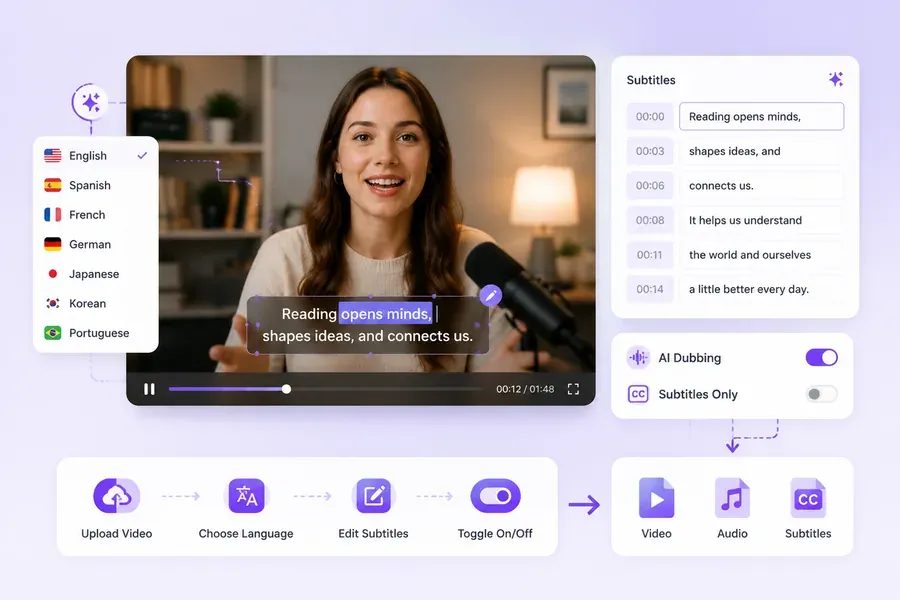
Your short film has the right shots, but the scene still feels unfinished. A character crosses a room without footsteps, a door closes silently, or the background disappears between cuts. Before adding music everywhere, identify which missing sounds prevent the setting or action from making sense.
Tools that add audio to video can generate sound based on footage and a description. Use the output to develop a soundtrack for your own film, then judge it against the story. The goal is a believable scene in which viewers can hear what matters.
Identify what the scene actually needs
Watch the scene silently and write down the audible events you would expect. Separate speech, room atmosphere, visible actions, and events that happen off screen. Mark which sounds carry information and which simply establish the setting.
For a scene in a quiet workshop, ventilation may provide background atmosphere, while a tool dropped onto a bench draws attention. Adding a loud machine changes what the audience imagines about the room. A generated effect should fit the location and action you intended.
Protect the recording you already have
Keep the original audio on a separate track or in a backup project. If it contains useful dialogue or a distinctive sound, listen before replacing it. A new layer may improve a silent action while making existing speech harder to understand.
Do not treat every gap as a fault. A pause may be part of the performance. Decide what should remain quiet before generating additional sounds.
Generate a first sound pass
Upload the relevant footage and describe the atmosphere or events you need. Preview the generated result alongside the original edit. Check whether the sounds correspond to the action and whether the tool has introduced anything the scene does not imply.
If the overall atmosphere works but one effect does not, note that event separately. You may need to trim or replace it in an editor. Approving an entire sound pass because one moment sounds impressive can leave distracting errors elsewhere.
Create a specific effect for the difficult moment
An AI sound effect generator can help produce a separate sound from a text prompt. Describe the source, action, environment, and intensity. "A wooden drawer closing gently in a small quiet room" offers clearer direction than "dramatic cinematic sound."
Generate alternatives and compare them within the scene. Place the selected file in your editor and adjust its timing and level. Independently generated effects need their own placement; do not assume the files will align with the video automatically.
If an effect sounds too distant, metallic, or forceful, revise the description or choose another result. Adjusting volume will not necessarily fix the wrong type of sound.
A scene example: make a knock carry the story
Imagine an original short film in which a character reads at a desk and stops when someone knocks. The room is mostly silent, and the reaction only makes sense if viewers hear the knock.
Start with a quiet, continuous room atmosphere. Add a knock that fits the door and the distance from the camera. Place it just before the character reacts, then watch whether the timing makes the reaction understandable.
Keep the knock distinct from incidental sounds. If a chair scrape or music cue dominates the same moment, lower or remove it. The audience needs to notice the event that changes the character's attention.
Ask a viewer who has not seen the script why the character stopped reading. If they identify the knock, the sound has conveyed the intended information. If they think the character saw something, check timing, audibility, and the visual reaction together.
Check the mix across cuts and playback devices
Listen across neighboring shots. Background atmosphere should not vanish abruptly when the camera angle changes unless the story calls for that change. Review repeated effects for awkward loops and listen for clipped starts or endings.
Play the export through headphones and a phone speaker. Speech should remain understandable, and important effects should remain audible without becoming harsh. Reduce layers that compete with the story.
Before finishing, confirm:
- Every added sound matches an intended action or setting.
- The key event is audible before the relevant reaction.
- Background atmosphere remains coherent across cuts.
- Useful original dialogue has been preserved.
- Quiet moments still serve the scene.
- You have the necessary rights for the included material.
Save the original recording, generated effects, and edited mix separately. When a scene feels empty, begin with one missing piece of information and test whether the added sound helps viewers understand it.