
Restoring Personal Video History Without Rewriting It
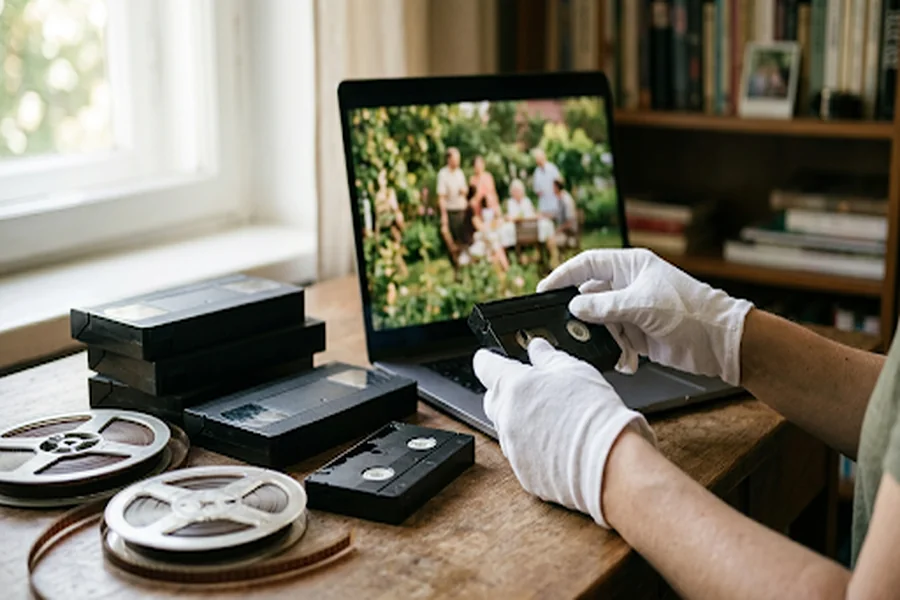
What happens when a 480p family recording is opened on a 4K television? The picture becomes larger, but every soft edge, compression block and patch of noise grows with it. The people and places may still matter deeply; the file simply belongs to another viewing era. That is why personal video restoration is less about making the past look new than making it watchable again. A responsible workflow improves access while protecting the evidence in the original frame. It also distinguishes repair from interpretation, especially when artificial intelligence is used to sharpen details or predict colour. The goal is a clearer viewing copy, never a silent replacement for the source.
Why a digital file can still feel old
Digitising a tape or film reel prevents further mechanical wear, but it does not automatically improve the image. A VHS capture may remain interlaced and noisy. An early phone clip may be small, heavily compressed and difficult to view on a modern display. Film scans can preserve scratches, unstable exposure and grain. These are different problems, so one strength slider cannot solve them all.
The destination matters too. A clip that looks acceptable in a small preview can fall apart on a television, projector or exhibition screen. Before processing anything, note the source resolution, frame rate, aspect ratio and visible defects. Then decide where the restored copy will be shown. A family group chat, a school presentation and a large public screen require different output decisions.
Think in three layers: capture, repair and interpretation
The safest restoration process separates three jobs. Capture creates the best possible digital master from the physical source. Repair reduces defects such as noise, flicker or softness. Interpretation adds something the camera did not record, with colourisation being the clearest example. Keeping these layers separate makes the work easier to review and explain.
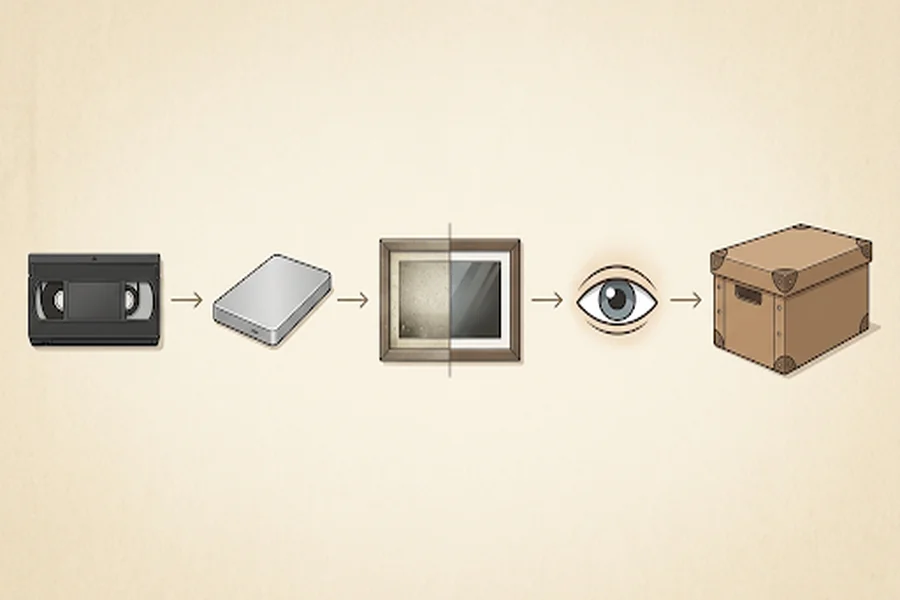
Always preserve the highest-quality capture untouched. Work on a duplicate, and create a new file after every major stage rather than overwriting the previous one. A simple folder can contain the master capture, a cleaned copy, an enhanced viewing copy and, if desired, a colourised edition. This structure costs little storage compared with the risk of losing the only faithful version.
Making a viewing copy that works on modern screens
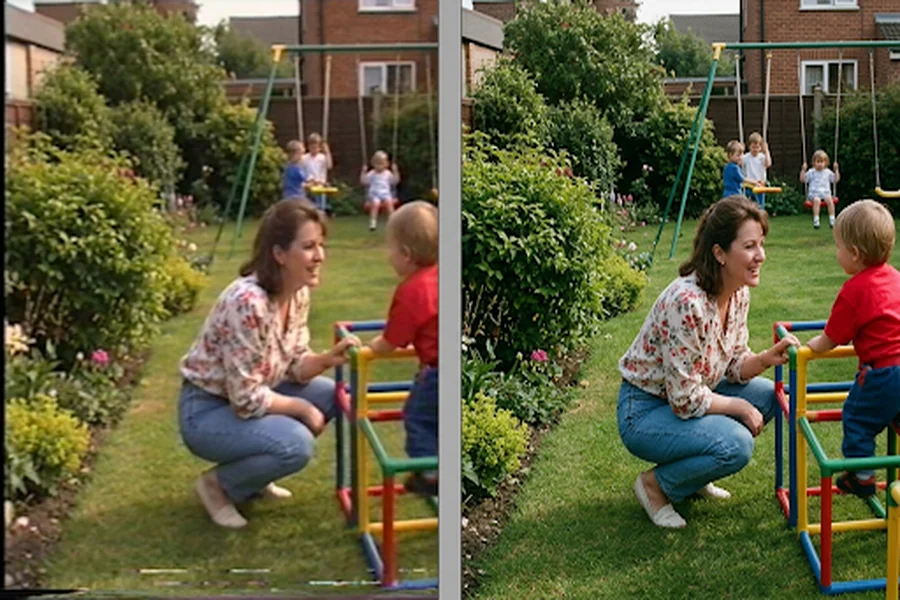
For lightly damaged digital footage, a browser workflow can be enough. The UniFab AI Video Enhancer processes video in the cloud, supports common inputs including MP4, AVI and MOV, and can upscale online by as much as 2x while reducing noise and sharpening detail. That range is practical for moving a 480p file toward 960p or a 1080p source toward 4K without promising that missing history will somehow reappear.
Use a short representative segment first. Choose a section with a face, textured clothing, movement and any text in the frame. Review the output at normal size and at the actual delivery size. Look for waxy skin, ringing around edges, distorted lettering or unstable detail between frames. If any of those appear, reduce the strength or accept a smaller upscale. A restrained result usually ages better than an aggressively sharpened one.
Five rules for an honest restoration
- Keep the original. The untouched capture is the record against which every later decision can be checked.
- Name each derivative clearly. Terms such as cleaned, upscaled and colourised tell future viewers what changed.
- Preserve the aspect ratio. Stretching a 4:3 image to fill a 16:9 frame alters faces and spaces. Pillar bars are often the more truthful choice.
- Do not erase all texture. Grain can belong to the source. Removing every trace may make film look synthetic and can wipe away fine detail with the noise.
- Record the settings. A short text note listing the tool, date, input and output resolution, and major adjustments makes the process repeatable. It also prevents a polished derivative from being mistaken for an untouched scan years later.
Colour can help viewers, but it must be labelled
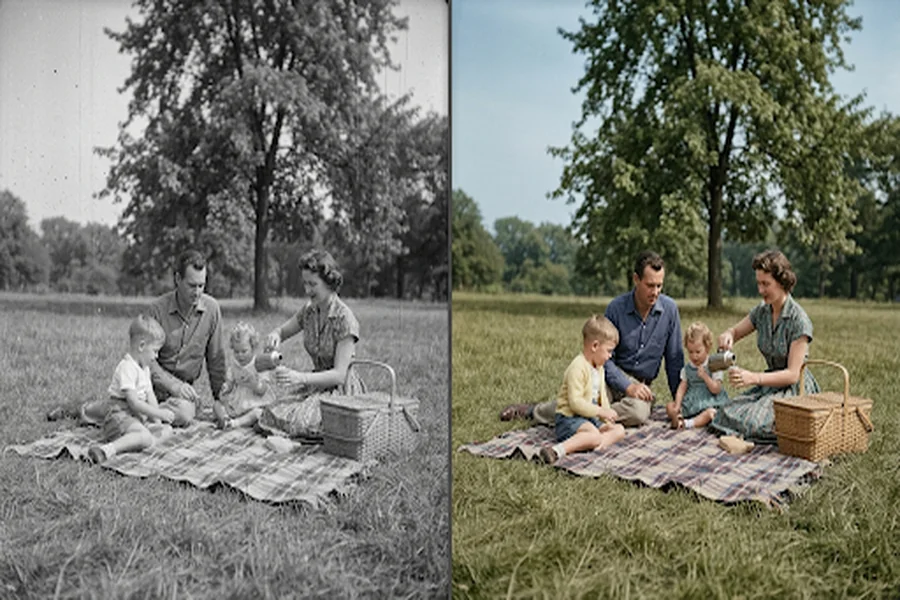
Black-and-white footage can be harder for some viewers to read, particularly when clothing, landscape and background objects merge into similar tones. A Video Colorizer can analyse faces, objects and lighting frame by frame, use temporal consistency to reduce flicker, and rebalance colour when scenes change. Presets such as muted documentary or warm nostalgic provide different interpretations rather than a single historically certain answer.
That distinction should remain visible. AI predicts plausible colours from patterns in its training data; it does not discover the actual colour of a coat or shopfront unless reference material exists. Label the output as colourised, retain the monochrome version beside it, and use photographs, written descriptions or production records when accuracy matters. For family viewing, colour can create immediacy. For historical publication, disclosure is part of the image.
What to store with every restored video
A durable package needs more than the final MP4. Keep the untouched capture, the restored master, a smaller viewing copy and a plain-text record of the work. Include the source format if known, the date of capture, who supplied the material, any usage restrictions and whether colour or reconstructed detail was added. If names, dates or locations are uncertain, mark them as uncertain rather than filling the gap with a confident guess.
For community or family collections, permissions matter as much as pixels. A recording may contain people who never expected a private moment to become public. Enhancement does not create new rights. Before uploading a restored clip, confirm who owns the recording, who appears in it and whether the proposed use is appropriate.
Frequently asked questions
Can AI turn any old video into 4K?
It can increase pixel dimensions and reconstruct plausible detail, but the source still sets the ceiling. Severe blur, clipping or missing frames cannot be reliably recovered by resolution alone.
Should noise be removed before upscaling?
Usually, yes. Reducing distracting noise gives an upscaler a cleaner base, but over-denoising can erase texture. Preview a short section before processing the full file.
Is colourised footage historically accurate?
Not automatically. It is a visual interpretation unless the palette is supported by references. The colourised copy should be labelled and stored beside the original.
What is the most important restoration habit?
Never overwrite the best source capture. Every repair or creative treatment should be a reversible derivative.
A clearer past, with the evidence intact
Personal video becomes valuable because it records ordinary details that cannot be recreated: a voice, a room, a street or a way of moving through the world. Restoration can make those details easier to see, but it should not hide how the new version was made. Preserve the master, improve only what the source supports, label interpretive changes and keep a record of the process. The best restored video does not pretend the past was filmed yesterday. It simply removes enough distance for people to look again.